Motion Library
Making UI Motion Understandable
Breaking down real product animations into reusable patterns, code, and learning resources.
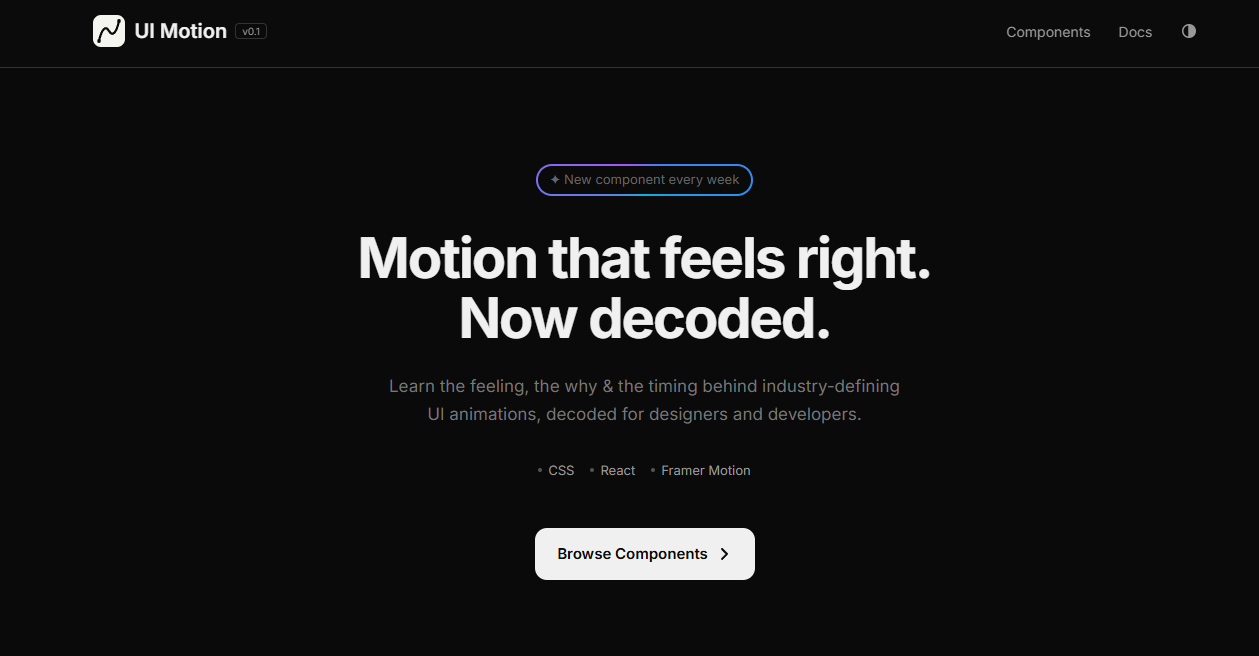
UI animation is often appreciated but rarely explained. I built UI Motion to make industry-standard interactions easier to study, recreate, and learn. Every pattern is broken down into its essential principles so designers and developers can understand not just how it moves, but why.
Motion Library
Breaking Down Great Motion
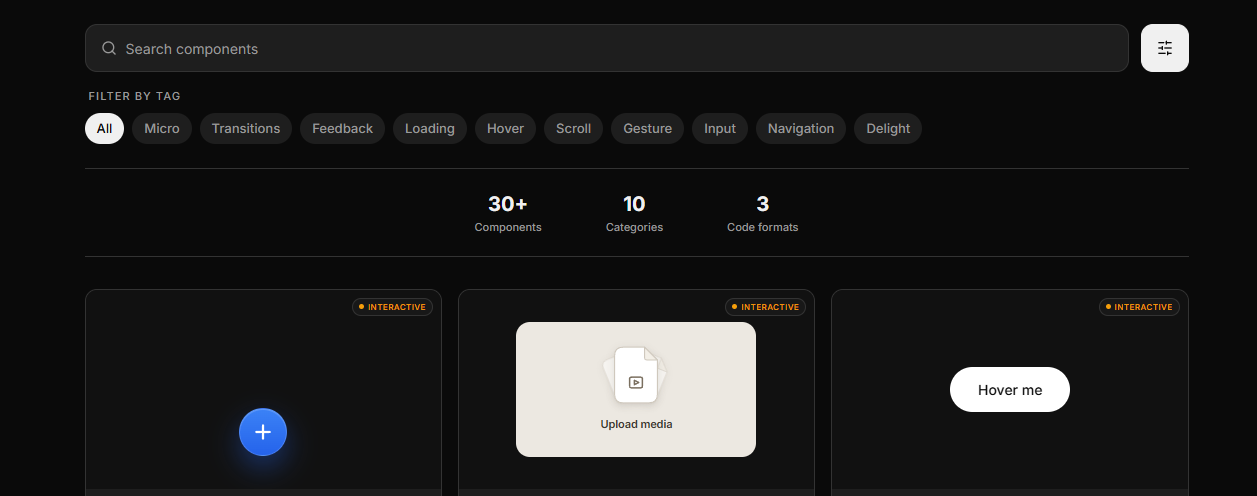
Real product animations organized into a shared language for studying, recreating, and building better motion.
Motion Patterns
Patterns From Real Products
Pull to Refresh
Answer Stream
Progress Ring
Curated interactions from products like Apple, Slack, Linear, Stripe, and more, organized into reusable patterns for designers and developers
to study.
Interactive
Real Patterns. Real Products.
Try Gemini Button
Confetti Burst
Number Counter
Studied from industry-leading products and rebuilt as interactive examples to reveal the small details that make great interfaces feel alive.
Code Playground
Study It. Play It. Build It.
.magnetic-btn {
  display: inline-flex;
  align-items: center;
  justify-content: center;
  padding: 12px 28px;
  border-radius: 9999px;
  background: #111;
  color: #fff;
  font-size: 14px;
  font-weight: 500;
  border: none;
  cursor: pointer;
  transition: transform 400ms cubic-bezier(0.34, 1.56, 0.64, 1),
              background 200ms ease;
  will-change: transform;
}

.magnetic-btn:active {
  transform: scale(0.94);
  transition: transform 120ms ease-out;
}

/* JS driver */
const RADIUS = 120, STRENGTH = 0.4;

document.querySelectorAll('.magnetic-btn').forEach(btn => {
  btn.addEventListener('mousemove', e => {
    const r    = btn.getBoundingClientRect();
    const dx   = e.clientX - (r.left + r.width  / 2);
    const dy   = e.clientY - (r.top  + r.height / 2);
    const dist = Math.hypot(dx, dy);
    if (dist < RADIUS) {
      const f = 1 - dist / RADIUS;
      btn.style.transform =
        'translate(' + (dx*STRENGTH*f) + 'px,' + (dy*STRENGTH*f) + 'px)';
    } else {
      btn.style.transform = 'translate(0,0)';
    }
  });
  btn.addEventListener('mouseleave', () => {
    btn.style.transform = 'translate(0,0)';
  });
});
import { useRef, useState } from "react";
const STRENGTH = 0.4;
const RADIUS = 120;
function MagneticButton() {
const ref = useRef(null);
const [pos, setPos] = useState({ x: 0, y: 0 });
const [scale, setScale] = useState(1);
const handleMove = e => {
const r = ref.current.getBoundingClientRect();
const dx = e.clientX - (r.left + r.width / 2);
const dy = e.clientY - (r.top + r.height / 2);
const dist = Math.hypot(dx, dy);
if (dist < RADIUS) {
const f = 1 - dist / RADIUS;
setPos({ x: dx * STRENGTH * f, y: dy * STRENGTH * f });
} else {
setPos({ x: 0, y: 0 });
}
};
const handleClick = () => {
setScale(0.94);
setTimeout(() => setScale(1), 120);
};
return (
<button
ref={ref}
onMouseMove={handleMove}
onMouseLeave={() => setPos({ x: 0, y: 0 })}
onClick={handleClick}
style={{
padding: "12px 28px",
borderRadius: 9999,
background: "#111",
color: "#fff",
fontSize: 14,
fontWeight: 500,
border: "none",
cursor: "pointer",
transform: `translate(${pos.x}px, ${pos.y}px) scale(${scale})`,
transition: "transform 400ms cubic-bezier(0.34, 1.56, 0.64, 1)",
willChange: "transform",
}}
>
Hover me
</button>
);
}import { useRef } from "react";
import { motion, useMotionValue, useSpring } from "framer-motion";
const STRENGTH = 0.4;
const RADIUS = 120;
function MagneticButton() {
const ref = useRef(null);
const x = useMotionValue(0);
const y = useMotionValue(0);
const scale = useMotionValue(1);
const spring = { stiffness: 150, damping: 15, mass: 0.1 };
const springX = useSpring(x, spring);
const springY = useSpring(y, spring);
const springScale = useSpring(scale, { stiffness: 400, damping: 20 });
const handleMove = e => {
const r = ref.current.getBoundingClientRect();
const dx = e.clientX - (r.left + r.width / 2);
const dy = e.clientY - (r.top + r.height / 2);
const dist = Math.hypot(dx, dy);
if (dist < RADIUS) {
const f = 1 - dist / RADIUS;
x.set(dx * STRENGTH * f);
y.set(dy * STRENGTH * f);
} else {
x.set(0); y.set(0);
}
};
const handleClick = () => {
scale.set(0.94);
setTimeout(() => scale.set(1), 120);
};
return (
<motion.button
ref={ref}
onMouseMove={handleMove}
onMouseLeave={() => { x.set(0); y.set(0); }}
onClick={handleClick}
style={{
x: springX, y: springY, scale: springScale,
padding: "12px 28px",
borderRadius: 9999,
background: "#111",
color: "#fff",
fontSize: 14,
fontWeight: 500,
border: "none",
cursor: "pointer",
}}
>
Hover me
</motion.button>
);
}Preview
Live interactive
Output
Code + Motion
Framework
React · Framer Motion
Learning
Replay · Speed controls
Goal
Study & recreate
Access
Open source
Every animation includes a live preview and production-ready code, making it easy to understand the logic behind the motion and recreate it in real projects.
Shipped